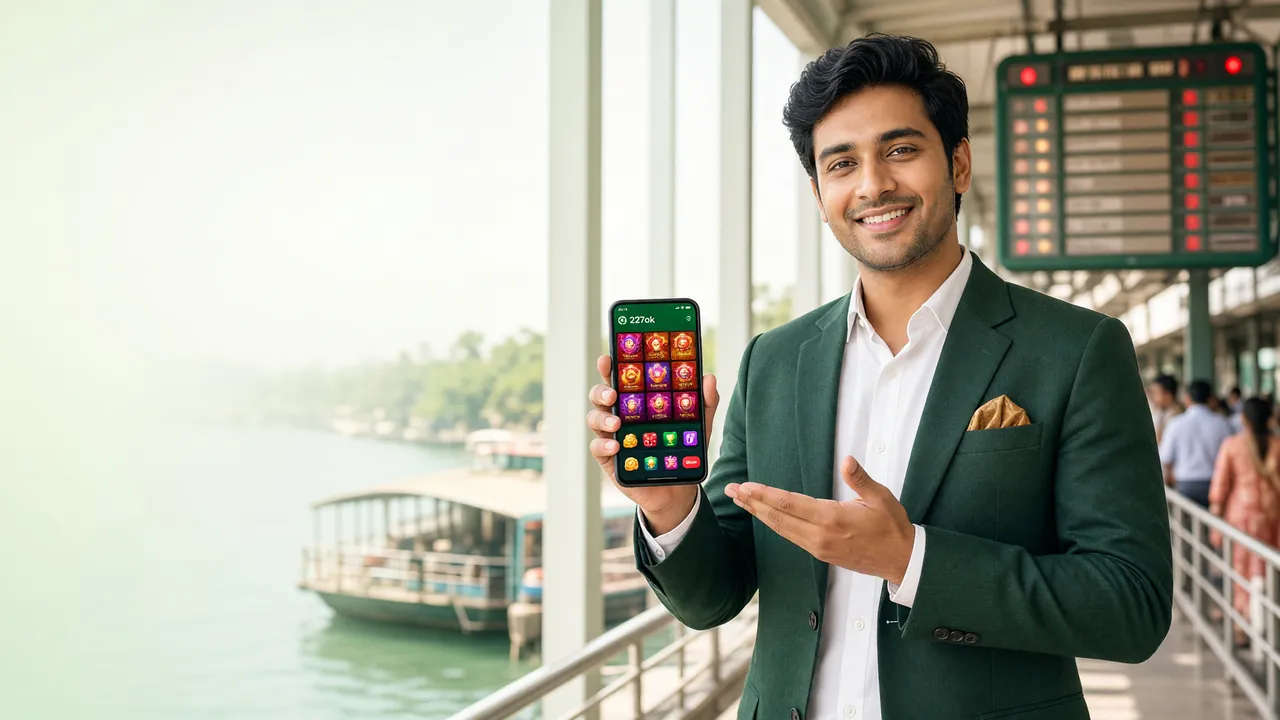
766OK Official App
766OK APK — Download straight to your phone and start playing now
Compatible with any Android 6.0 or higher phone. The file is only 52 MB — from download to game load in under 2 minutes. Use bKash, Nagad and Rocket directly from the app.
Download APK — File Details & iOS Option
For iOS Users: Add to Home Screen
iPhone or iPad users can save 766OK directly to their home screen from Safari — no App Store installation needed.
- Open 766-ok.cam in Safari (Chrome or Firefox will not work).
- Tap the Share icon on the bottom toolbar .
- Find and tap the "Add to Home Screen" option.
- Name it "766OK" — then tap the Add button.
- The 766OK icon will appear on your home screen; tap it to open just like an app.
What You Can Play on the App — Quick Look


- 5,000+ games from JILI and Evolution, all available directly in the app
- Deposit in 6 minutes via bKash or Nagad
- Push notifications for bonuses and match kick-offs
- Quick login with fingerprint or PIN
How to Install 766OK APK on Your Android Phone
Even though it is not on Google Play Store, installation is simple — just a few steps. You only need Android 6.0 or a newer version.
-
01
Allow Unknown Sources
Go to your phone's Settings → Security (or Privacy) and enable "Install unknown apps" or "Unknown sources". On Samsung devices, this permission is app-specific — allow it for your Browser or File Manager.
-
02
Download the APK File
Tap the "Download APK" button above. Your browser will show a download bar — once complete, 766-ok.apk (52 MB) will be in your Downloads folder.
-
03
Open from File Manager
Open your phone's File Manager app, go to the Downloads folder, find 766-ok.apk and tap it. An install confirmation prompt will appear.
-
04
Tap the "Install" Button
Review the permissions list and tap Install. Installation takes about 30–60 seconds. Once done, you will see an "App Installed" message.
-
05
Log In or Register
Open the app and log in or, if you're new, create an account. Your existing web account password will work exactly the same.
After installation, you can go back to Security settings and turn off "Unknown sources" again — it's a good habit to keep your phone protected.
What you get in the App — and how it differs from the website
The 766OK Android App is not just a mobile version of the website — some features are available exclusively in the App.
Quick Login
Log in within seconds using your fingerprint or a 4-digit PIN. No need to type your password every time.
Deposit & Withdraw in One Tap
Link bKash, Nagad, or Rocket directly from the App. Deposits complete in around 6 minutes and withdrawals in around 32 minutes on average.
Live Dealer Games
Evolution and Sexy Gaming live dealer tables are available right in the App — video streams are optimised to use less data.
Cricket & Sports Betting
Live betting on T20, ODI, and international matches. Get push notifications before your match starts.
Push Notifications
Bonus offers, deposit confirmations, and match reminders for your favourite teams — delivered straight to your phone.
24/7 Live Chat
Talk to the support team directly from the App. No need to open a browser.
If you don't have an account yet, register first — then log in on the App to claim your 120% welcome bonus too (browse casino games).
766OK APK or Browser — which one is right for you?
Both use the same account. See the differences below.
| Feature | 766OK APK (Android) | Browser (Mobile / Desktop) |
|---|---|---|
| Loading Speed | Faster — cached resources | Reloads every time |
| Data Usage | Lower — optimised streams | Relatively higher |
| Push Notifications | Yes, directly on your phone | Not available |
| Biometric Login | Fingerprint / PIN | Not available |
| Installation Required | Yes (52 MB, one time) | No |
| iOS Support | Not directly (home screen shortcut available) | Fully supported |
| Offline Access | Not available (internet required) | Not available |
| Best suited for | Regular Android users | iPhone users or occasional visitors |
Installation issues? Five common errors and how to fix them
The table below covers the most frequently reported problems and how to resolve them.
Installation blocked
Fix: Go to Settings → Security → Unknown apps and turn it on, then try installing again.
"Parse error" or "Parsing package problem"
Fix: Delete the APK and download it again. Make sure your data connection is stable before starting.
"Insufficient storage" message
Fix: Go to Settings → Storage and remove old files. Keep at least 100 MB free for smooth installation.
App won't open / keeps crashing
Fix: Check your Android version under About Phone. If it's below 6.0, use your browser to visit 766-ok.cam instead.
Play Protect warning appears
Fix: Tap "Install anyway" — this warning is completely normal. You can run a Play Protect scan to confirm the file is safe.
Run the App smoothly even on low RAM and slow networks
The 766OK App works fine on 2 GB RAM or a 3G connection — just tweak a few settings and you're good to go.
Low-memory phones
- Close other apps before launching 766OK (clear Recent Apps).
- Turn off background app sync — go to Settings → Accounts → Auto-sync off.
- Choose Slot games instead of Live Casino — they use less processing power.
2G / 3G networks
- Set the video quality to "Medium" or "Low" in the App's Settings.
- Do deposits and withdrawals on a stronger connection — this helps complete transactions within 6 minutes.
- Update the App over WiFi — avoid updating on mobile data.
Battery and data saving
- Turn on Data Saver mode in the App if available.
- To reduce animations, lower the Animator duration scale under your phone's Developer Options.
- Update the App overnight while charging — saves your daytime data.
- Use Rocket or bank transfer for deposits — the transaction page is lighter on data.
The 766OK APK has been tested on Walton Primo, Symphony, and Symphony i95 series phones. If your device runs Android 6.0 or above, install with confidence. If you run into any issues, use the browser version from the login page.
Frequently asked questions about 766OK APK
Is the 766OK APK safe? Is there any risk of viruses or malware?
Can I still use my existing account after installing the APK?
How do I update the 766OK App?
How much storage does it take after installation? Will it affect my phone's space?
Can I deposit directly through the App using bKash or Nagad?
Will the 766OK APK run on an iPhone?
Need help?
If you hit a problem installing the APK, tell us in 24/7 live chat — it's usually sorted within 5 minutes.
Start Live ChatNo account yet?
Register before or after you install the APK. First deposit: 120% bonus, up to ৳5,500.
Register Now18+ · Play responsibly. Gaming is entertainment — not a way to earn income. Set a budget and a time limit. For help, see our Responsible Gaming page.